CONFIRMED

Your demo request has been confirmed.

A confirmation email with your meeting details has been sent.

What you’ll see in the deMO
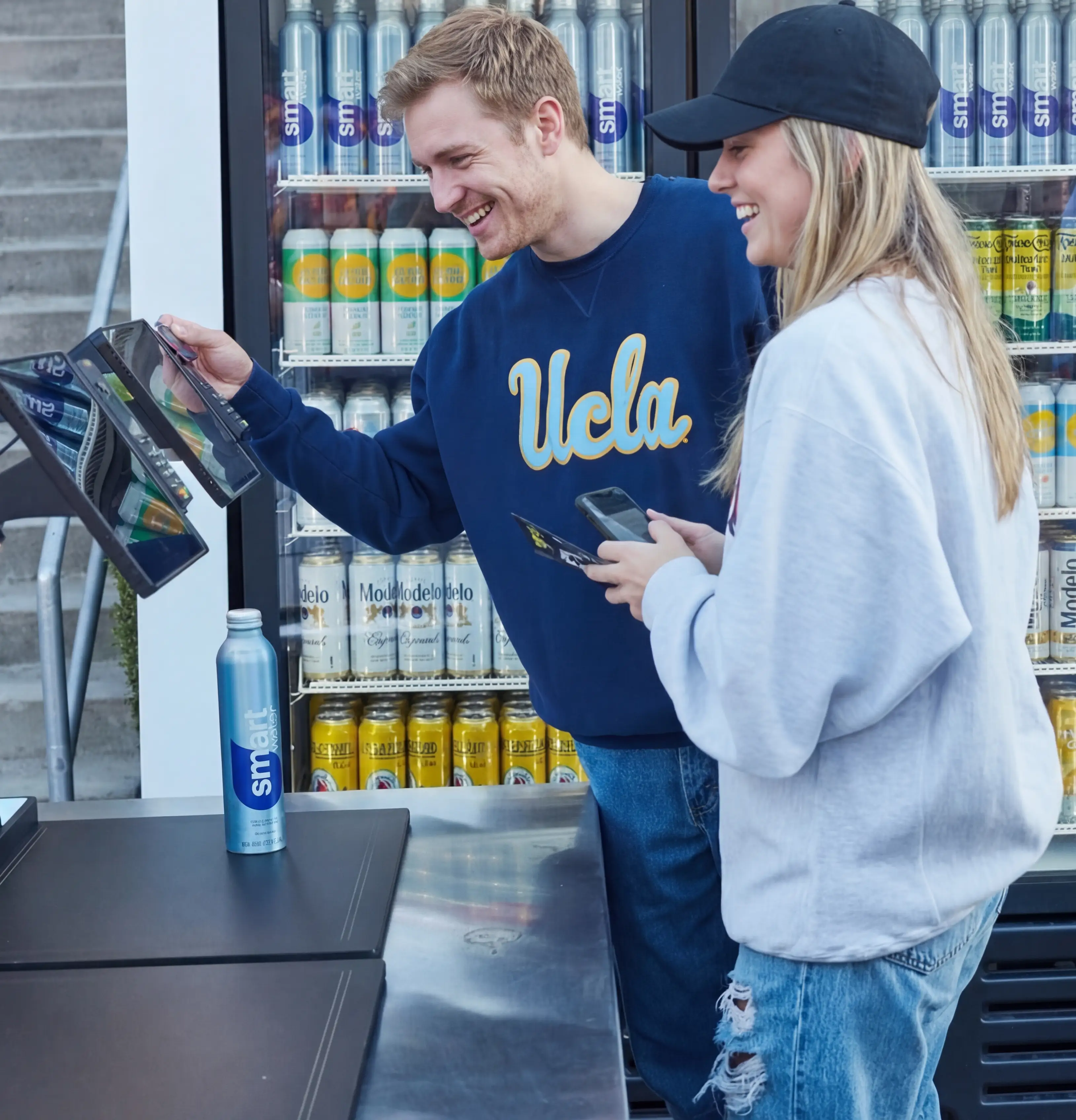
A live walkthrough of the system in a real operating setup, from item detection to payment, with a focus on performance under peak demand.
Real checkout flow (tray → detection → POS → payment).
Transaction speed and throughput under load.
Setup and go-live process (minutes, not days).
Integration into existing operations.
Typical rollout: pilot → expansion.
FAQ

Frequently asked questions.

Your questions, answered.
Does it work without internet?

VisioLab works without an internet connection. If connectivity drops, AI recognition and transactions continue to process locally and sync automatically when the connection is restored. For best performance, a stable connection is recommended.

How long does setup take?

Under 10 minutes per station. No tools, no installation, no technician.

Do we still need a separate back-office system?

Not necessarily. VisioHub handles sales reporting, stock tracking, and transaction history out of the box. If you already run a POS or ERP, VisioLab connects to that too.

What if the AI doesn't recognise an item?

The guest can select the item manually from the screen. No transaction is blocked.

Do you need a separate payment terminal?

No. Payment is handled directly through the iPad. Card and mobile payments included. If you already run a POS, VisioLab connects to that too.